How NoteWright works
NoteWright sits downstream of your AI scribe. It doesn't listen, record, or connect to your EHR — it takes the text your scribe already produced and rewrites it in your voice, then gives you an editing surface built for finishing notes fast.
Start from any scribe
Paste the input and pick the note type — SOAP, H&P, progress note, procedure note, discharge summary, or after-visit summary. NoteWright is input-agnostic by design: it doesn't integrate with your scribe, it just reads what your scribe wrote. That's a feature. No integration means nothing to break, nothing to install, and no vendor between you and your note.
Remove patient identifiers before pasting. NoteWright's rewrite never uses them — names, dates, and record numbers don't have style — so identifier-free input produces the same output.
Restyled, not regenerated
NoteWright rewrites the draft to match your documentation style — your structure, your phrasing, your level of reasoning density. It learns that style from examples you provide and feedback you give, starting from an archetype you pick on day one. What it never does is invent: if a value isn't in your input, it isn't in your note. Anything the input doesn't support becomes a *** placeholder, exactly where your eye and your EHR expect one.
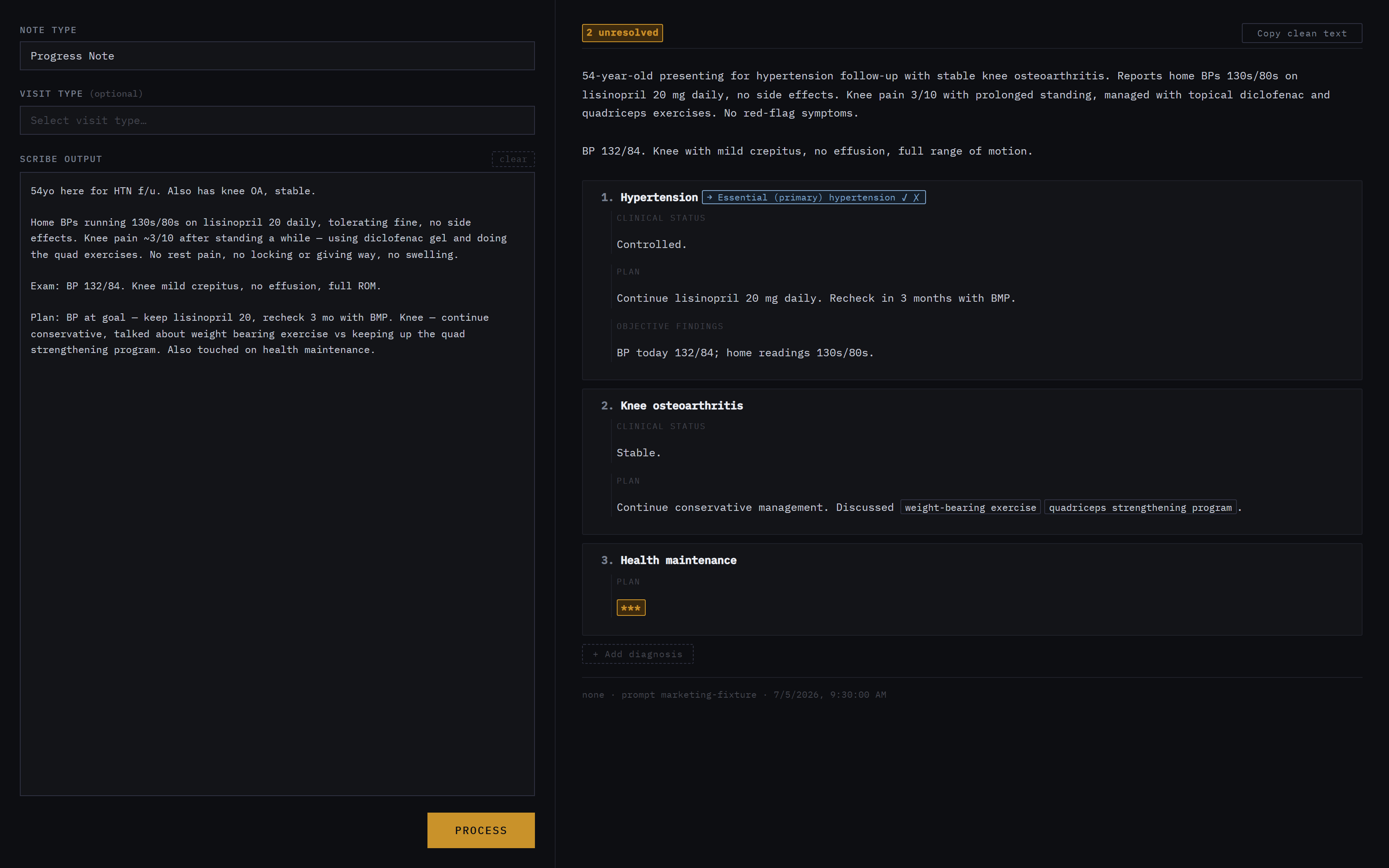
An editing surface built for the last mile
The output isn't a wall of text — it's a working surface. Unresolved placeholders are highlighted and keyboard-navigable. Diagnoses are cards you can reorder, edit, or delete. When NoteWright thinks a diagnosis could be documented more specifically, it suggests — visibly, with accept and reject buttons — and never applies a change you didn't approve. When the input honestly supports two readings, you get a choice, not a guess.
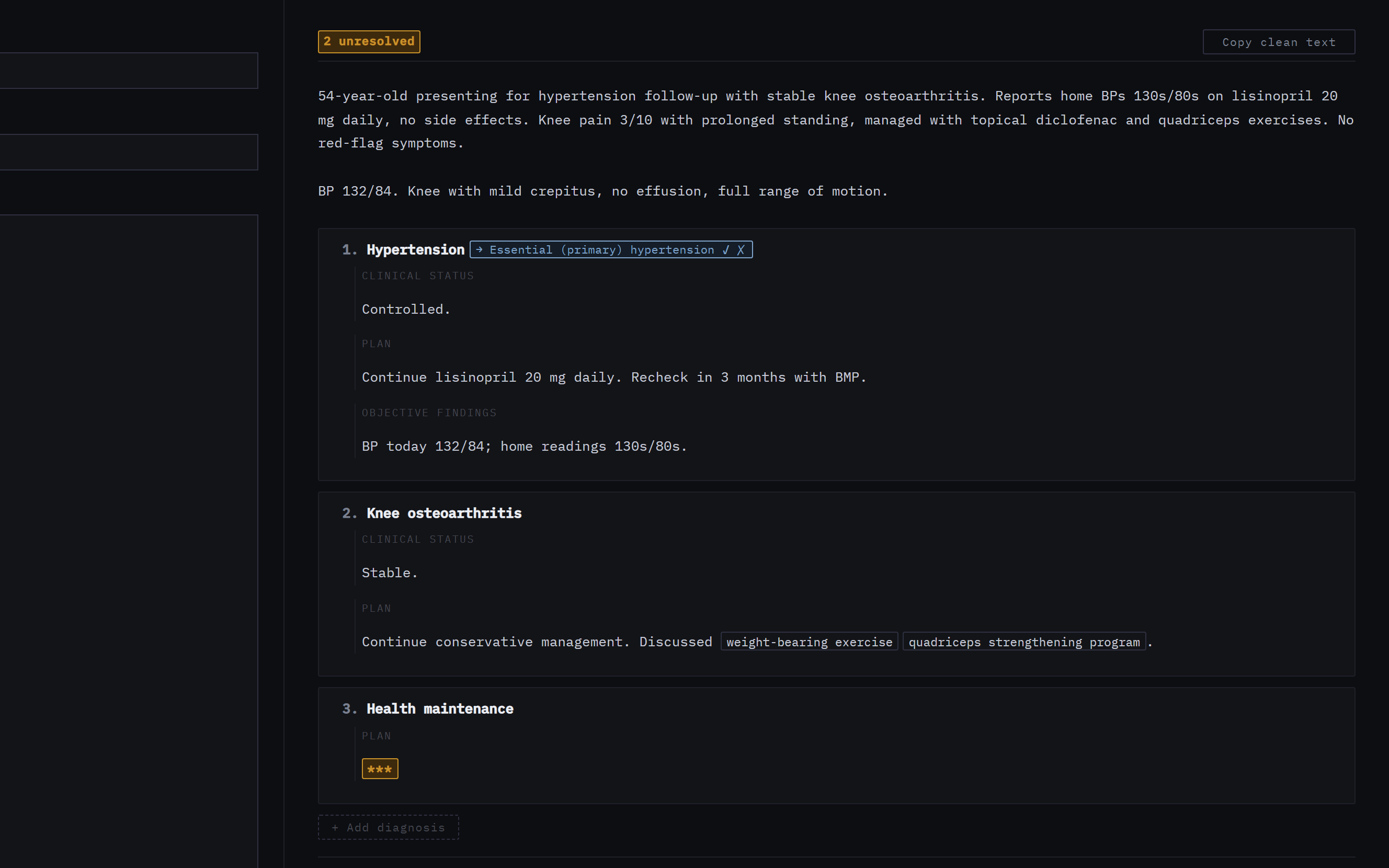
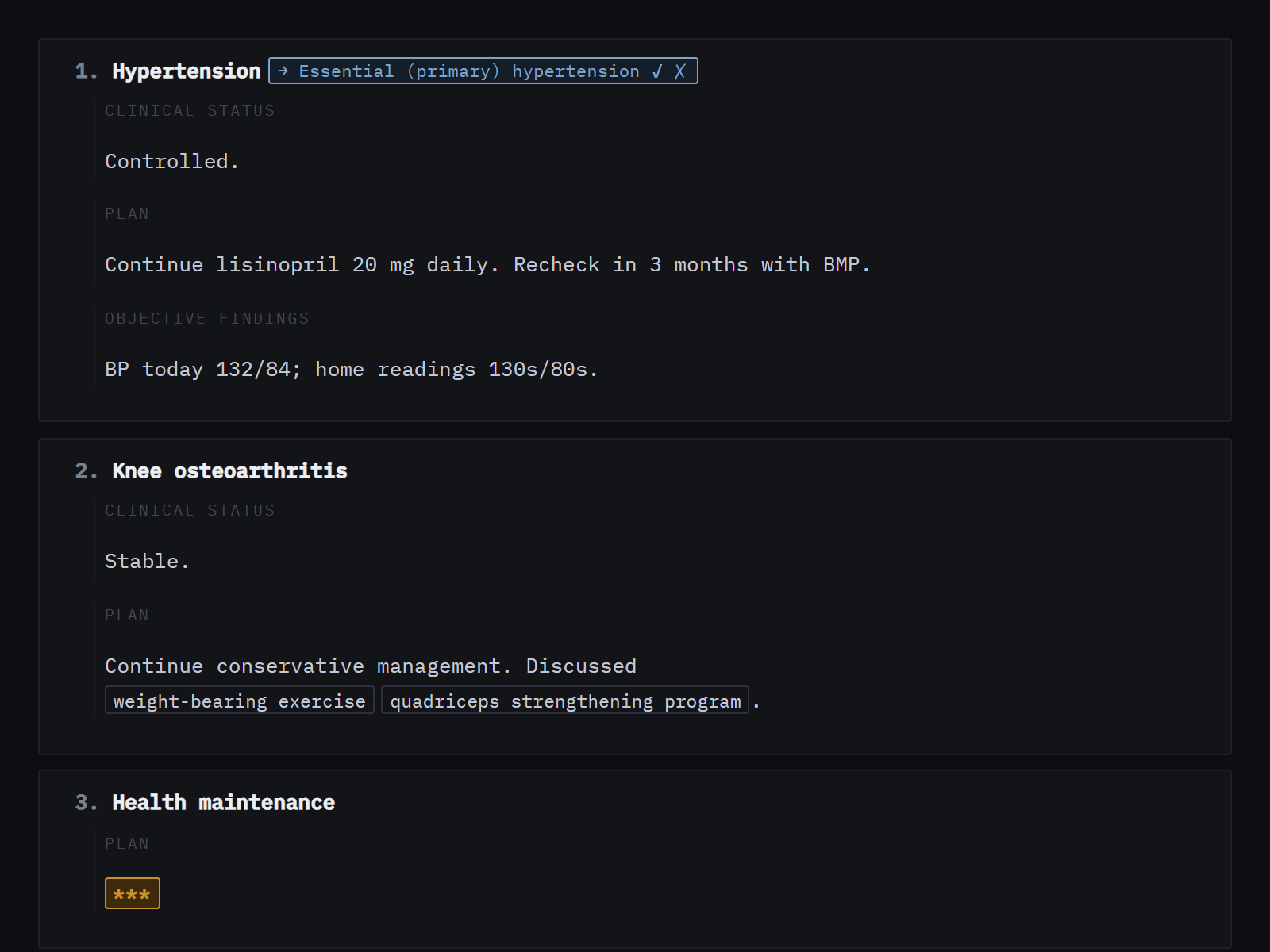
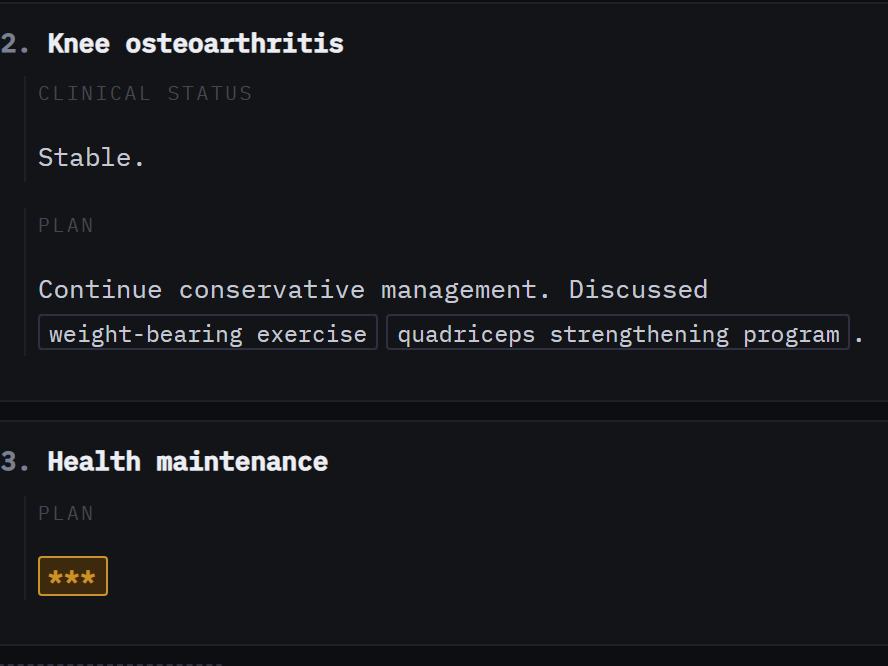
Clean text out, decisions intact
When you're done, copy clean text and paste it into your EHR. Anything you left unresolved stays a *** — deliberately. An undecided item should block signing, not hide inside polished prose. NoteWright's job ends at the paste; your judgment is the only thing that ever signs a note.
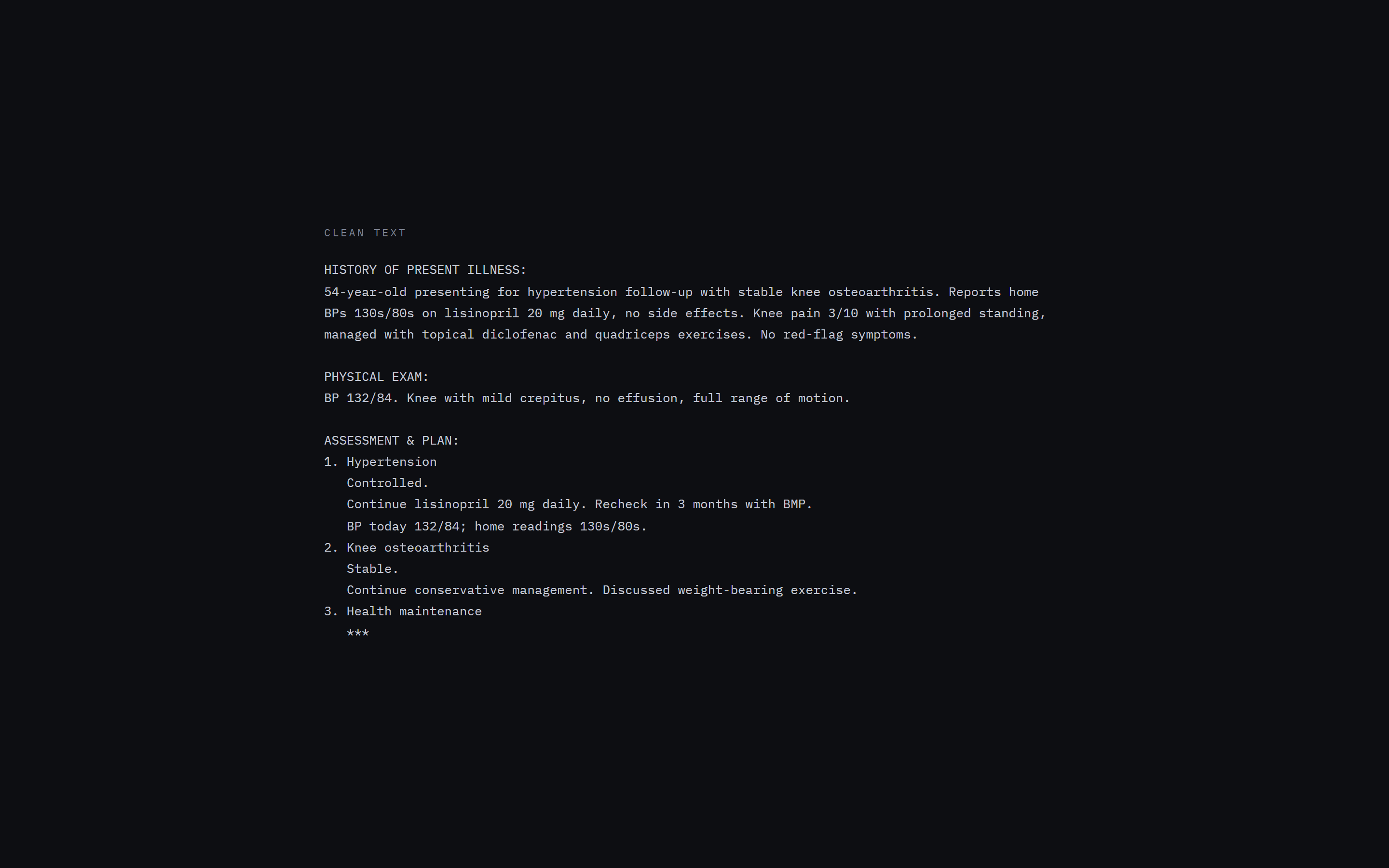
That's the product. The rest — persistent style memory, your own fine-tuned model — is on the pricing page.
Get early access.
Join the list for early access and the occasional build log from the exam room.